
Windchill Supplier Portal on ThingWorx: Change Notice Drawing Download
By PSPTechHub ·
Summary
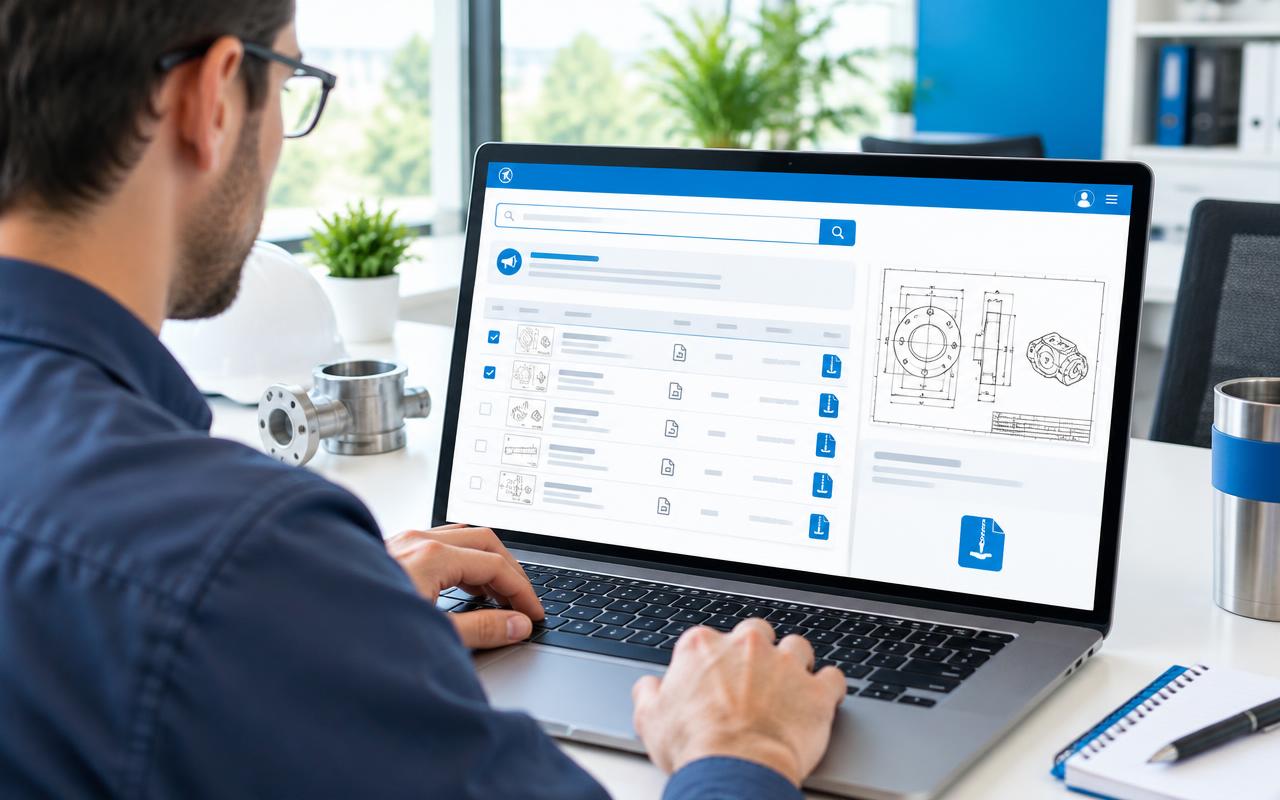
PSPTechHub built a ThingWorx supplier portal on top of Windchill PDMLink. A supplier enters one Change Notice number, the portal expands every parent and child resulting object, filters out the drawings, and lets the supplier download one drawing directly or many drawings as a single ZIP — with Windchill permissions, release-state rules and audit logging enforced on every request.
The Challenge: Suppliers Couldn't Reach Change Notice Drawings
Suppliers needed the latest released drawings for every engineering change, but the drawings sat inside Windchill behind Change Notices, assembly structures and representations that suppliers could not navigate.
Manual navigation in Windchill
Finding the drawings behind a Change Notice meant opening resulting objects, then each assembly, part and drawing one by one.
Incomplete drawing sets
Child parts and sub-assemblies under a resulting object were easy to miss, so suppliers sometimes built to an incomplete package.
One-by-one downloads
Each drawing was downloaded separately, which was slow for changes touching dozens of parts.
Access and release control
Only permitted, released content could leave the company, and every download had to be traceable for compliance.
The Solution: A ThingWorx Supplier Portal Connected to Windchill
PSPTechHub delivered a Supplier Portal built as ThingWorx mashups and services. ThingWorx acts as the orchestration layer, so suppliers never touch Windchill directly while Windchill stays the system of record for access decisions.
Change Notice based search
One Change Notice number returns its details and all resulting objects, scoped to that change only.
Resulting object expansion
Parent and child structures are expanded server-side, covering assemblies, parts and related drawings at any depth.
Drawing filtering
Filter results by drawing type and by part or drawing number to isolate the right drawings fast.
Multi-select
Select one or many drawings from the result list to match each supplier's workflow.
Primary content resolution
Primary content is resolved from Windchill representations in PDF or TIFF, based on Windchill configuration.
Single file download
One selected drawing is streamed straight to the browser with minimal processing.
Bulk ZIP download
Multiple drawings are staged and packaged into one ZIP file, then streamed for download.
Security and audit
Windchill authentication, authorization and lifecycle state rules are enforced; search, access and download events are logged.
Temporary file cleanup
Bulk-download files are staged securely and removed by a retention-based cleanup job.
How It Works: From Change Notice to Download
- 1
Search
The supplier enters a Change Notice in the portal. The session is validated through enterprise identity / SSO.
- 2
Retrieve
ThingWorx calls the Windchill API layer for Change Notice details and resulting objects, including parent and child relationships.
- 3
Normalize
Windchill responses are normalized into a stable data model and shown as a filterable list.
- 4
Select
The supplier selects one or more drawings and submits the download request.
- 5
Resolve
ThingWorx resolves representations and primary content metadata for each eligible, released drawing.
- 6
Deliver
A single drawing is streamed directly; multiple drawings are staged, zipped and streamed as one file.
- 7
Audit & clean up
Audit events are recorded and temporary files are removed by the retention job.
Solution Architecture
ThingWorx is the orchestration backbone. It isolates the portal from Windchill complexity while Windchill keeps ownership of every access decision.
- Supplier Portal UISearch, view, filter, select and download — no business logic
- ThingWorx mashupsBind UI widgets to services and handle user events
- ThingWorx servicesOrchestrate search, expansion, filtering, validation and downloads
- Windchill connector & API layerAuthenticated REST / OData calls to Windchill
- Windchill PDMLinkSystem of record for Change Notices, structures, drawings and lifecycle states
ThingWorx services built
| Service | Purpose |
|---|---|
| getChangeNoticeDetails | Retrieves Change Notice metadata from Windchill |
| getResultingObjects | Returns the resulting objects linked to the Change Notice |
| getPartStructure / getPartStructureChild | Expands parent and child part structures |
| getDistinctTypes | Builds the drawing type filter |
| getRepresentation | Resolves primary drawing content (PDF / TIFF) |
| downloadFile | Streams a single drawing to the browser |
| generateZipLink | Packages selected drawings into one ZIP for download |
Design decisions
- Stateless request handling at the portal and orchestration layers
- Windchill integration abstracted behind a dedicated API layer — no direct coupling to PDMLink internals
- Download processing decoupled from search so each can scale and fail independently
- Separate paths for single-file streaming and bulk ZIP packaging
- Temporary staging used only for bulk downloads, minimizing storage and exposure time
- Asynchronous audit logging and cleanup so user response times are not affected
Outcomes
One search instead of manual navigation
Suppliers get every drawing behind a Change Notice from a single input.
Complete drawing packages
Automatic parent/child expansion removes the risk of missing sub-assembly drawings.
Fewer download actions
Bulk ZIP packaging replaces repetitive one-by-one downloads.
Only released, permitted content
Windchill permissions and lifecycle rules decide what can be downloaded.
Full traceability
Every search, access and download is logged for audit and governance.
Ready to extend
The architecture supports more content types and downstream consumers later.
This solution fits if you need to…
- Give suppliers access to Windchill drawings without Windchill licenses or training
- Download all drawings related to a Windchill Change Notice in one ZIP
- Share released PDF or TIFF drawings with suppliers after an engineering change
- Build a secure supplier portal on ThingWorx connected to Windchill PDMLink
- Enforce Windchill lifecycle state and access rules on external downloads
Frequently Asked Questions
How can suppliers download drawings from Windchill without logging into Windchill?
A ThingWorx supplier portal can call Windchill REST or OData APIs on the supplier's behalf. The supplier searches in the portal, and ThingWorx retrieves only the released drawings their Windchill permissions allow.
Can you download all drawings for a Windchill Change Notice at once?
Yes. In this solution the supplier enters a Change Notice, selects multiple drawings, and ThingWorx packages them into a single ZIP file for download.
How are child parts and sub-assemblies included?
ThingWorx services expand the parent and child structures of every resulting object server-side, so drawings for assemblies, parts and sub-assemblies are all included regardless of depth.
Which drawing file formats are supported?
The portal resolves primary content from Windchill representations and supports PDF and TIFF, depending on Windchill configuration.
How is unreleased or restricted content protected?
Users are validated through enterprise SSO, and Windchill authorization and lifecycle state rules are enforced before any content is resolved, so only permitted, released drawings can be downloaded.
Are supplier downloads audited?
Yes. Search, access, download and error events are logged for traceability, compliance and operational monitoring.
Why use ThingWorx instead of giving suppliers Windchill access?
ThingWorx isolates suppliers from Windchill complexity, offers a simple task-focused UI, and keeps Windchill as the system of record for permissions, without exposing PDMLink directly.