Services · ThingWorx — PLM

ThingWorx PLM Services by PSPTechHub

PSPTechHub turns Windchill PLM data into simple, role-based ThingWorx Navigate apps — so sales, engineering, quality and suppliers get the product data they need without learning Windchill.

Engineer configuring a heavy equipment variant on a 3D ThingWorx Navigate sales configurator
40+
Industry & technology experts
13+ yrs
Digital transformation
25+
Projects delivered
10+
Platforms & technologies
Overview

What Is ThingWorx PLM?

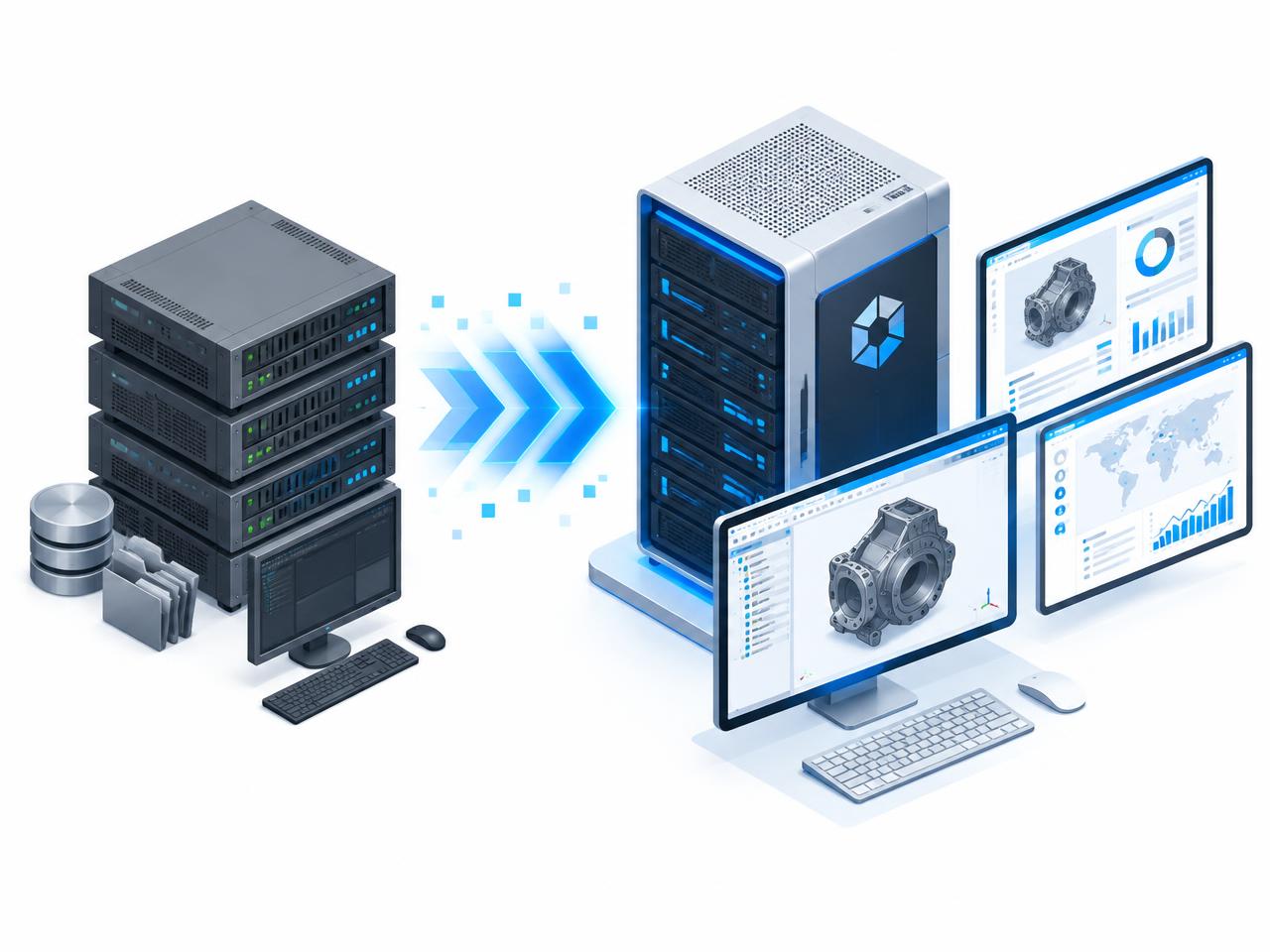
ThingWorx PLM refers to using PTC ThingWorx — mainly ThingWorx Navigate — as a lightweight app layer on top of Windchill. Windchill stores the master product data: parts, BOMs, CAD, documents and changes. ThingWorx Navigate reads that data and shows it in simple, task-based apps, so people outside engineering can find what they need in a few clicks.

Windchill
System of record for product data and change processes
ThingWorx Navigate
Role-based apps that show Windchill data simply
Custom apps
Dashboards, configurators and portals built for your process
Capabilities

PLM Apps PSPTechHub Builds on ThingWorx Navigate

3D Sales Configurator

Configure machine variants in real time, see options on live CAD and get instant price and weight impact — driven by Windchill rules.

Report Generation Dashboards

Flexible Windchill reports with unlimited filters, clear visuals and one-click export for non-technical users.

Change Notice Dashboards

Search change notices, view resulting parts, drawings and assemblies, and download attachments in one place.

Change Request & Problem Reports

Create and track problem reports and change requests with automated workflows, alerts and live status.

Global Deviations Dashboard

All deviations across sites in one view, with root-cause charts, criticality scoreboards and smart filters.

BOM Explorer & Part Matrix

Automated BOM extraction from Windchill combined with RFP pricing, vendor data, MTBF and COGS insights.

Supplier Dashboards

Give suppliers secure, filtered access to the Windchill parts, documents and drawings they work on.

Manufacturing & Inspection Instructions

PLM-linked manufacturing and inspection instructions validated against ERP routing on the shop floor.
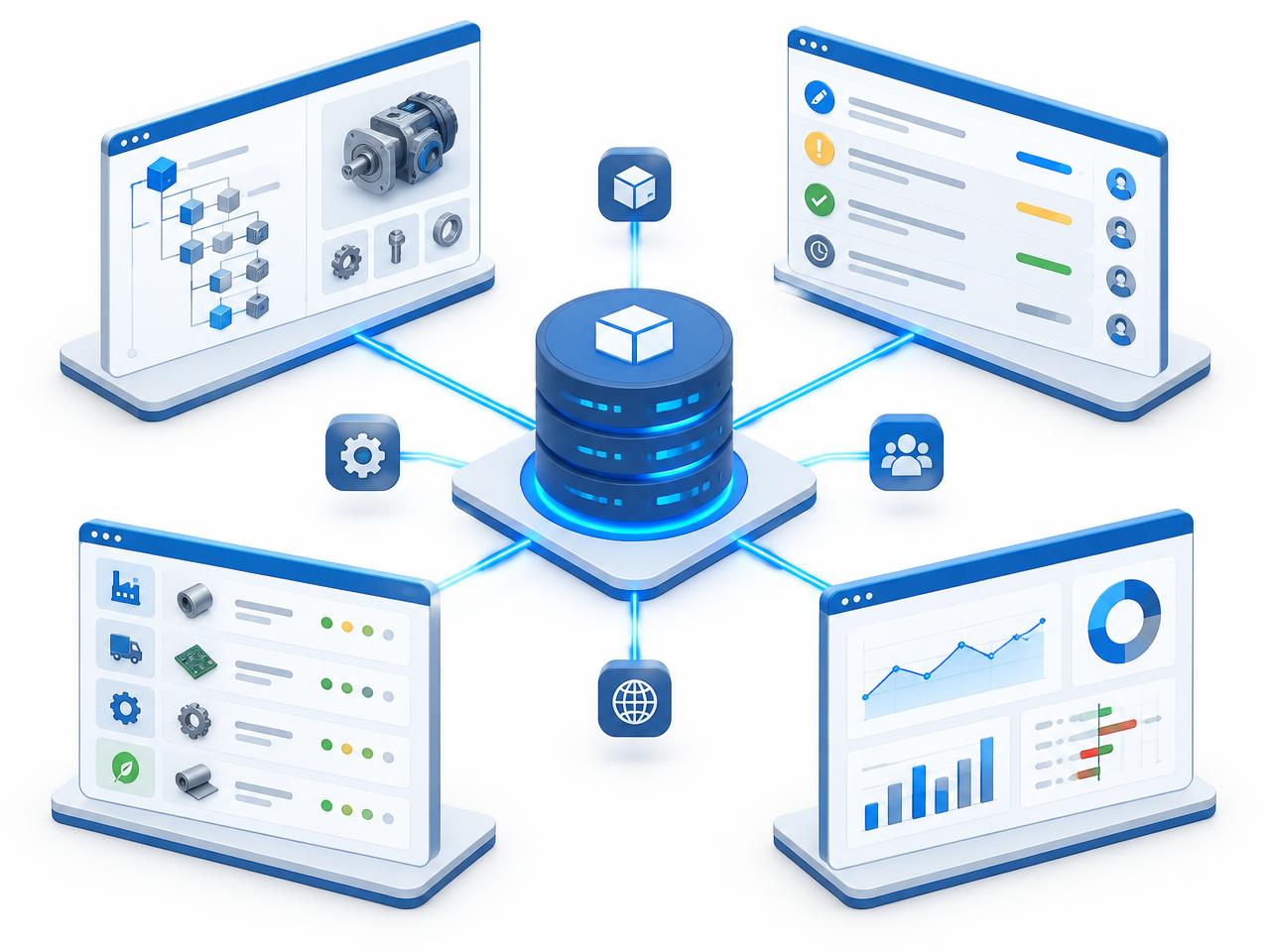
Windchill PLM hub connected to BOM, change request, supplier and deviation dashboards
Integration

Windchill + ThingWorx Navigate, Working as One

  • Windchill stays the system of record for parts, BOMs, CAD and changes
  • ThingWorx Navigate becomes the simple app layer for every role
  • SSL-secured integration with role-based access
  • Connects to SAP, JDE and other ERP systems
Outcomes

What Teams Gain

Faster sales quotes
Fewer quote errors
Quicker change approvals
Live deviation visibility
Smarter procurement
Wider PLM adoption
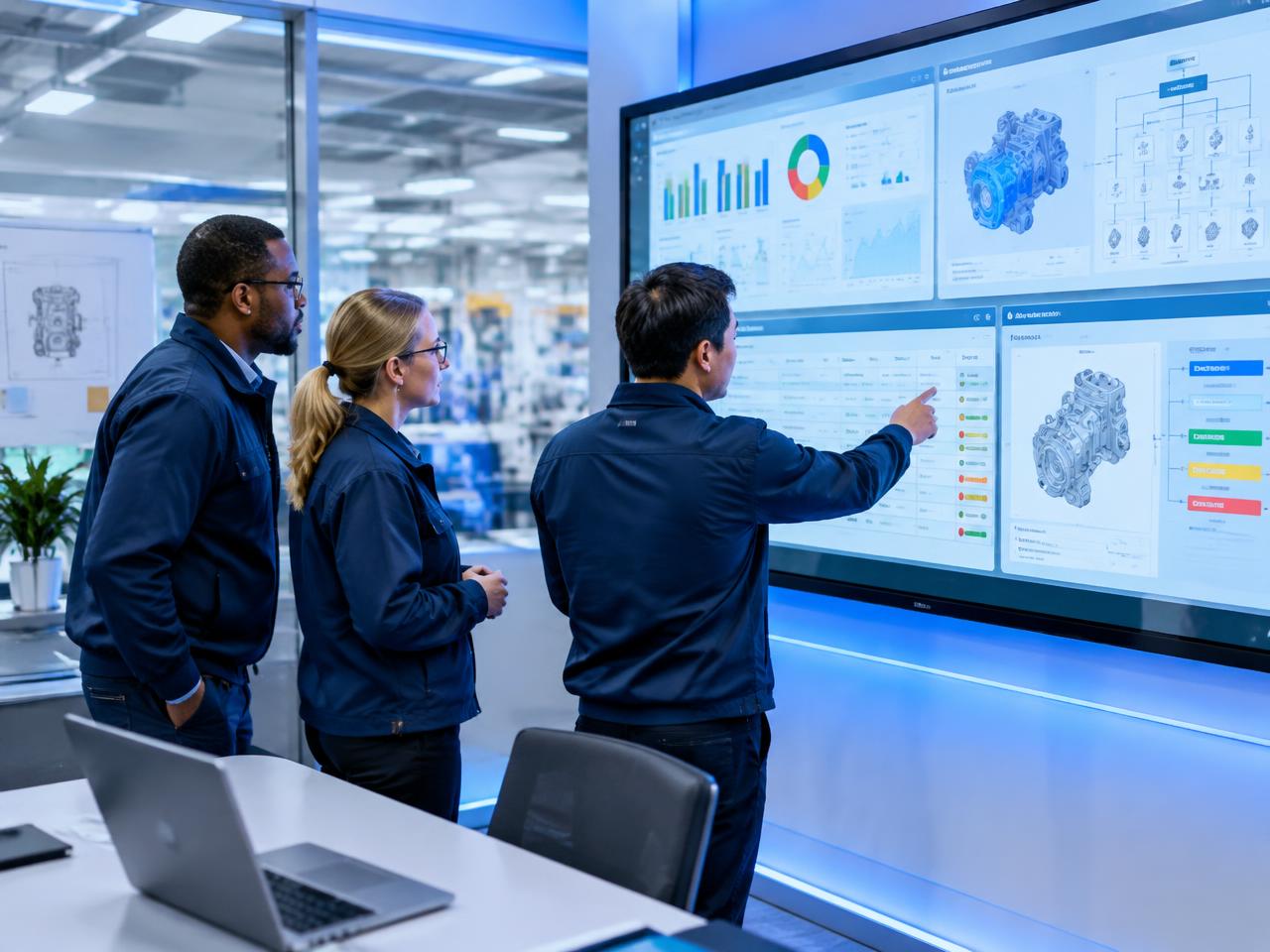
Quality and engineering team reviewing ThingWorx change and deviation dashboards
Who It Helps

Who Uses ThingWorx PLM Apps

Sales & quoting
Configure products and prices without engineering help
Engineering
Track changes, BOMs and drawings in one view
Quality
Monitor deviations and problem reports across sites
Procurement
See part cost, vendor and BOM data together
Suppliers
Get the right drawings and documents securely
Shop floor
Follow PLM-linked work and inspection instructions
AI-powered
Advisor

ThingWorx PLM Capability Advisor

Describe your Windchill and ThingWorx Navigate setup and goals. Get recommended PLM apps and a starting plan — upgrade, new app build or integration.

Systems in use
Get Started

Request ThingWorx Navigate Upgrade or PLM App Support

Pick the services you need and share your environment. PSPTechHub replies with a scoped proposal.

Service area *
FAQs

ThingWorx PLM Services — Questions Answered

What is ThingWorx PLM?
ThingWorx PLM is the use of PTC ThingWorx, mainly ThingWorx Navigate, as a simple app layer on top of Windchill PLM so non-engineering teams can view and act on product data.
What is ThingWorx Navigate used for?
ThingWorx Navigate gives non-technical users simple, role-based apps on top of Windchill PLM data — for viewing parts, BOMs, drawings, changes and reports without using Windchill directly.
What is the difference between Windchill and ThingWorx Navigate?
Windchill is the PLM system that stores and controls product data. ThingWorx Navigate is the app layer that displays that data in simple, task-focused screens for wider teams.
Why upgrade ThingWorx Navigate?
Upgrading keeps Navigate on a supported and secure release, maintains compatibility with newer Windchill versions and unlocks newer apps and a faster user experience.
How long does a ThingWorx Navigate upgrade take?
It depends on the version gap and the amount of customization. PSPTechHub starts with an assessment and then gives a staged plan covering dev, test and production.
Will my custom Navigate apps work after the upgrade?
PSPTechHub reviews every custom app and mashup before the upgrade, then refactors, re-tests or retires them so they work on the new release.
What PLM apps does PSPTechHub build on ThingWorx?
PSPTechHub builds 3D sales configurators, report dashboards, change notice and change request dashboards, global deviation dashboards, BOM explorers, part matrices and supplier dashboards.
Can ThingWorx PLM apps connect to ERP systems?
Yes. PSPTechHub connects PLM apps with ERP systems such as SAP and JDE for pricing, routing validation and work order alignment.

Make Windchill Data Easy for Every Team

Tell PSPTechHub which teams struggle with Windchill today — we will scope the right ThingWorx Navigate apps.

Prefer to talk? contactus@psptechhub.com · +91 8099838001